[ PROJECT_CASE_STUDY ]
filesconversion - File Format Converter
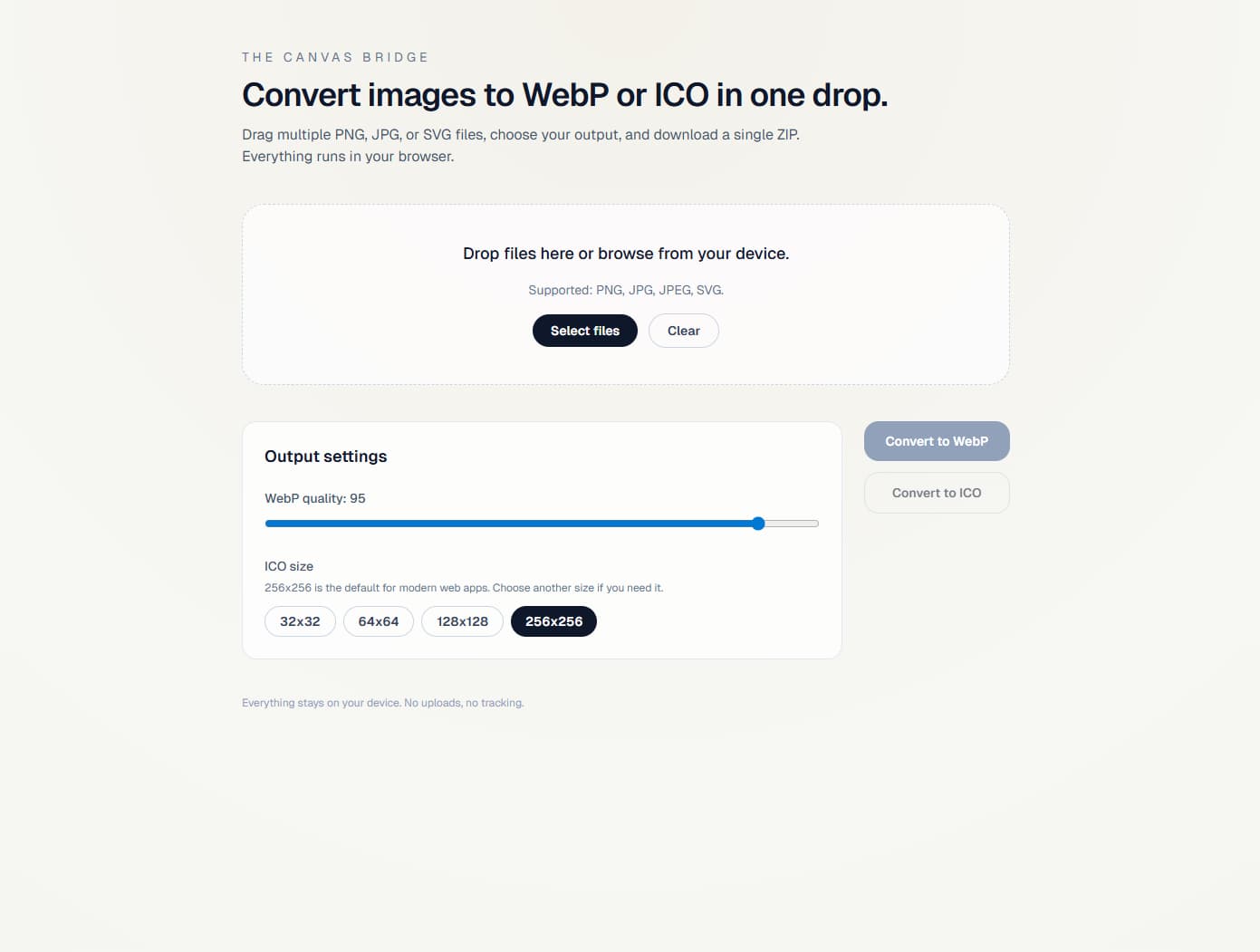
Minimal, in-browser image conversion for developers. Convert PNG/JPG/JPEG/SVG into WebP or ICO, then download the result instantly.
OVERVIEW
Minimal, in-browser image conversion for developers. Convert PNG/JPG/JPEG/SVG into WebP or ICO, then download the result instantly.
PROBLEM
Developers frequently need a quick, secure, and minimal tool to convert standard images into web-optimized formats (WebP) or icons (ICO) without relying on slow, ad-heavy, or privacy-compromising third-party server converters.
SOLUTION
Developed a completely in-browser image conversion utility using Next.js and native Browser APIs. It supports drag-and-drop, batch processing, and ZIP bundling, with all image processing happening securely on the client side.
RESULTS
- Successfully implemented 100% local, in-browser image conversion with WebP quality control and selectable ICO sizes.
- Optimized client-side performance for processing tasks, eliminating backend dependency.
- Enhanced user experience by allowing drag-and-drop functionality for multiple files and batch downloads.
TECHNICAL_DEEP_DIVE
Architecture Overview
A purely client-side architecture leveraging Next.js for the UI shell, while delegating all heavy lifting (image parsing and formatting) to the browser natively via Canvas and FileReader APIs.
Technical Decisions
Processed all images strictly on the client side using Browser APIs.
To guarantee data privacy (files never leave the device), eliminate server processing costs, and provide instant conversions without network latency.
Challenges & Fixes
Downloading multiple converted files individually clutters the user's download folder and creates a poor UX.
Implemented a batching mechanism to automatically bundle multiple converted images into a single ZIP file for seamless downloading.